

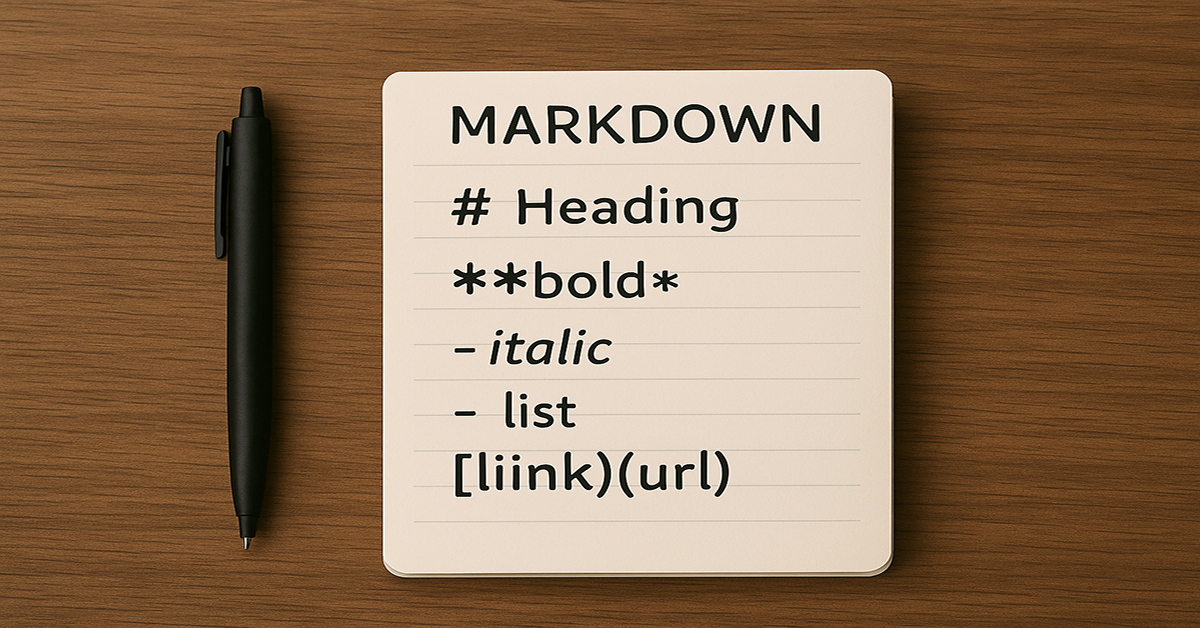
Notepad, the iconic text editor bundled with Windows since 1983, has just received one of its biggest upgrades in decades—Markdown support. Known for its simplicity and lightweight performance, Notepad is now stepping into the modern productivity era with built-in formatting capabilities that appeal to both casual users and professionals.
The Big Change
On May 30, 2025, Microsoft began rolling out Markdown support and rich text formatting to Windows Insiders in the Dev and Canary channels. Just a month later, on July 2, 2025, the update became available to all Windows 11 users via the Microsoft Store.
This new feature introduces a formatting toolbar and live preview support for Markdown, eliminating the need for third-party applications for basic structured writing.
Why This Matters
Markdown is a lightweight markup language that makes formatting text fast and intuitive. With Notepad now supporting it natively, users can:
- Format text with bold, italic, and strikethrough
- Create headings (H1–H6)
- Build bullet and numbered lists
- Add hyperlinks with a simple shortcut (Ctrl + K)
- Switch between raw Markdown view and a live preview
This enhancement transforms Notepad from a plain text utility into a versatile writing and documentation tool.
The Benefits for Different Users
- Bloggers and writers – Draft posts with clean formatting in a distraction-free environment
- Students – Organize lecture notes with headers and bullet points
- Developers – Quickly create README files and documentation without leaving the native editor
- Everyday users – Format shopping lists, to-do notes, and memos without extra software
Availability and How to Get It
- Windows Insiders: Available in Notepad version 11.2504.50.0 or later in the Dev, Canary, Beta, and Release Preview channels.
- All Windows 11 users: Update Notepad through the Microsoft Store to access Markdown support as of July 2, 2025.
A Small Change with Big Impact
By integrating Markdown, Microsoft has modernized Notepad without sacrificing its minimalistic design. This update bridges the gap between a basic note-taker and a lightweight formatting tool, offering powerful functionality while keeping the app familiar and fast.
Notepad’s Markdown support is a reminder that even the simplest tools can evolve to meet today’s productivity needs—proving that sometimes the most impactful upgrades are also the most unexpected.